
Microsoft 365 vs Office 2021: Which Is Best for You in 2026?
Choosing between Microsoft 365 and Office 2021 isn’t always straightforward. Both include popular Microsoft applications such as Word, Excel, PowerPoint, and Outlook, but they are designed for different types of users. One is a subscription with ongoing updates and cloud services, while the other is a one-time purchase that you own permanently.
In this guide, we’ll compare Microsoft 365 and Office 2021 in terms of features, pricing, cloud capabilities, updates, and long-term value to help you decide which option best suits your needs in 2026.
Quick Overview
Choose Microsoft 365 if you:
- Need the latest Office features and updates.
- Work on multiple devices.
- Want built-in OneDrive cloud storage.
- Collaborate frequently with others.
Choose Office 2021 if you:
- Prefer a one-time payment.
- Don’t want recurring subscription fees.
- Mainly use Office on one computer.
- Need a stable version without feature changes.
What Is Microsoft 365?
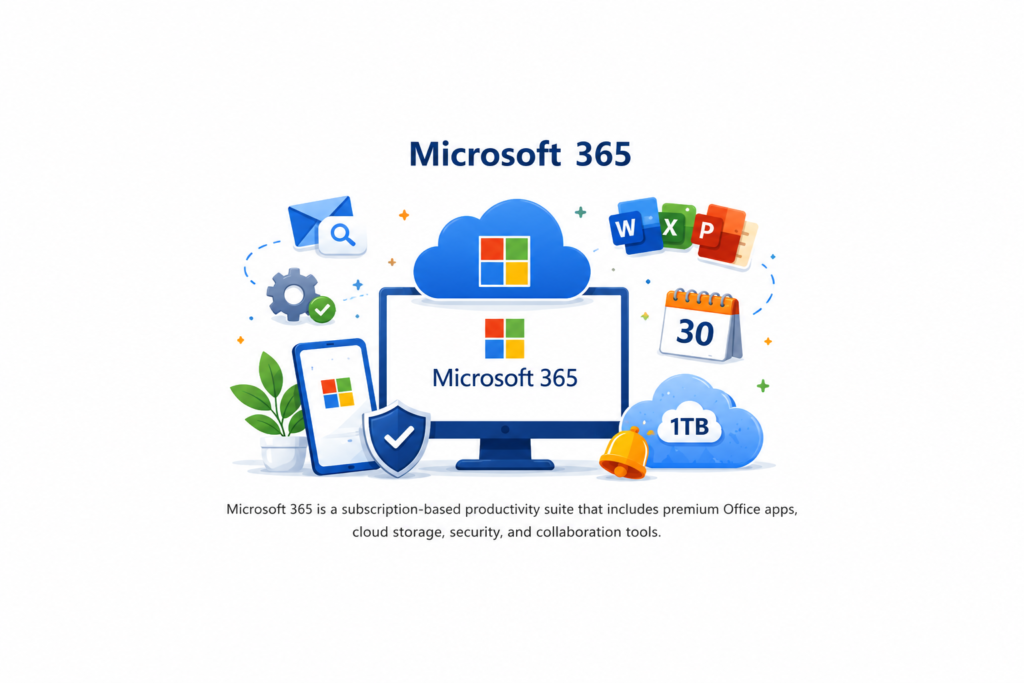
Microsoft 365 is Microsoft’s subscription-based productivity suite. Instead of purchasing a permanent license, you pay monthly or annually to access the latest versions of Microsoft Office applications along with premium cloud services.
Main Features
- Subscription-based licensing.
- Latest versions of Word, Excel, PowerPoint, Outlook, and more.
- 1TB of OneDrive cloud storage.
- Installation on multiple compatible devices.
- Continuous feature improvements and security updates.
- Real-time collaboration and cloud synchronization.
Best suited for: professionals, students, businesses, and users who regularly work across different devices.
What Is Office 2021?
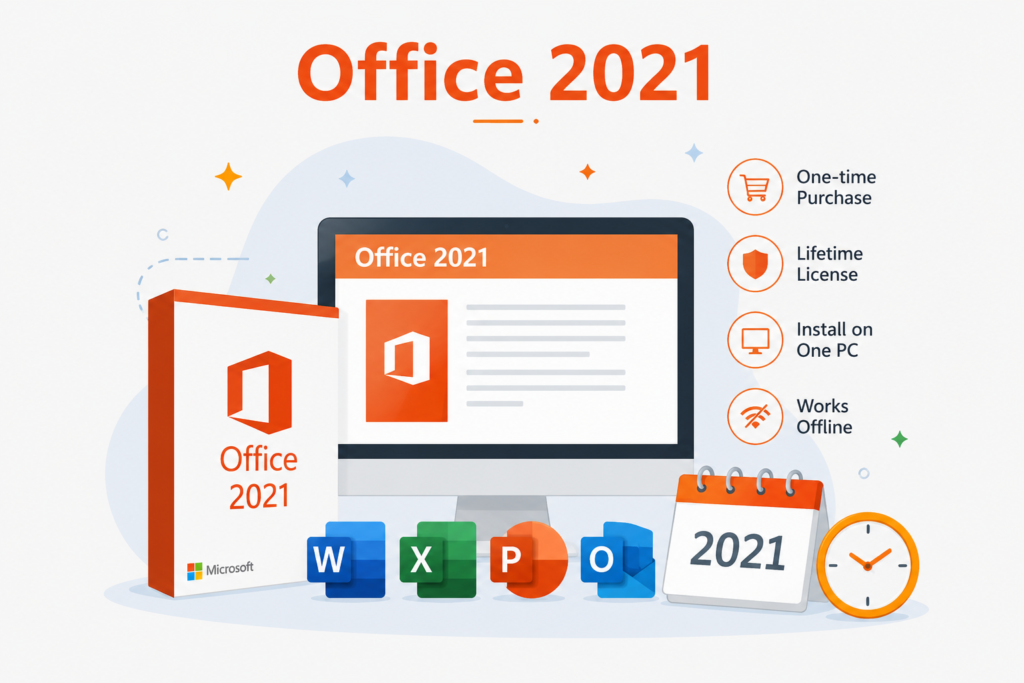
Office 2021 is a traditional perpetual license. You pay once, install the software, and use it indefinitely on a single device without paying recurring subscription fees.
Main Features
- Single upfront payment.
- Lifetime license for one PC.
- No recurring subscription costs.
- Offline access after activation.
- Receives security updates but no major new features.
- Includes classic Office applications.
Best suited for: home users and individuals who only need the core Office applications without cloud-based extras.
Microsoft 365 vs Office 2021: Feature Comparison
| Feature | Microsoft 365 | Office 2021 |
|---|---|---|
| License Type | Subscription | Lifetime Purchase |
| Payment | Monthly or Annual | One-Time Payment |
| Software Updates | New Features + Security Updates | Security Updates Only |
| Device Support | Multiple Devices | One Device |
| Cloud Storage | 1TB OneDrive Included | Not Included |
| Internet Requirement | Required for cloud features | Not required after activation |
| Best For | Cloud users & businesses | Personal long-term use |
Which One Is Right for You?
Choose Microsoft 365 if:
- You use Office on more than one device.
- You need cloud storage and file synchronization.
- You want access to the newest Microsoft features.
- You collaborate with colleagues or classmates.
- You value continuous improvements and cloud integration.
Choose Office 2021 if:
- You want to pay once and avoid subscriptions.
- You only work from a single computer.
- You don’t rely on cloud storage.
- You prefer a stable Office version that rarely changes.
Real-World Use Cases
For Students
Students often benefit more from Microsoft 365 because it offers cloud storage, automatic saving, and access across multiple devices. Whether you’re working on a laptop, tablet, or smartphone, your documents remain synchronized through OneDrive, making it easier to study and collaborate on projects.
For Businesses
Microsoft 365 is the preferred choice for most businesses thanks to its collaboration tools, regular security improvements, and cloud-based productivity features. Teams can easily share files, communicate, and work together in real time.
For Home Users
If you mainly use Word, Excel, or PowerPoint for personal tasks and don’t need cloud services, Office 2021 offers excellent value. With a single purchase, you can enjoy the essential Microsoft Office applications without recurring subscription costs.
Long-Term Cost Comparison
The biggest difference between Microsoft 365 and Office 2021 is how you pay for the software.
Microsoft 365 requires a monthly or annual subscription. While the initial cost is lower, the total expense increases over time because the subscription must be renewed to continue using premium features.
Office 2021 requires a larger upfront payment, but once purchased, the license is yours permanently. If you plan to keep the same computer for several years and don’t need the latest features, it can be the more cost-effective option.
| Comparison | Microsoft 365 | Office 2021 |
|---|---|---|
| Initial Cost | Lower | Higher |
| Recurring Payments | Yes | No |
| Long-Term Ownership | Subscription Required | Lifetime License |
| Overall Value | Best for ongoing updates | Best for long-term savings |
Frequently Asked Questions
Is Microsoft 365 better than Office 2021?
Neither option is universally better. Microsoft 365 is ideal for users who want cloud services, multiple-device access, and continuous updates. Office 2021 is better suited to those who prefer a one-time purchase with no recurring subscription.
Can I use Microsoft 365 without an internet connection?
Yes. The Office applications can be used offline after installation, but an internet connection is required for activation, license verification, updates, and cloud-based features such as OneDrive.
Does Office 2021 expire?
No. Office 2021 is a perpetual license, meaning you can continue using it indefinitely on the licensed device. It receives security updates but does not include new feature releases.
Can I switch from Microsoft 365 to Office 2021 later?
Yes. You can cancel your Microsoft 365 subscription at any time and install Office 2021 if you decide that a lifetime license better suits your needs.
Which option offers better value?
If you frequently use multiple devices and want the latest Microsoft features, Microsoft 365 provides excellent value. If you only need the core Office applications on one computer, Office 2021 is usually the more economical choice.
Final Verdict
Microsoft 365 and Office 2021 are both powerful productivity solutions, but they are designed for different users.
Choose Microsoft 365 if you value flexibility, cloud storage, regular feature updates, and the ability to work across multiple devices.
Choose Office 2021 if you prefer a one-time purchase, primarily work on a single computer, and want reliable Office applications without ongoing subscription fees.
By understanding your workflow, budget, and long-term needs, you can confidently select the Microsoft Office solution that delivers the best value in 2026.
Where to Buy Microsoft Office Safely
When purchasing Microsoft software, it’s important to choose a trusted retailer that provides genuine licenses, secure delivery, and dependable customer support.
Keyses offers authentic Microsoft products at competitive prices, with fast digital delivery and responsive support to help you get started quickly. Whether you’re looking for Microsoft 365 or Office 2021, you can find a solution that fits your personal, educational, or business needs.
Conclusion
The choice between Microsoft 365 and Office 2021 ultimately depends on how you use Microsoft Office every day. If you prefer modern cloud-based productivity and continuous improvements, Microsoft 365 is an excellent investment. If you want a dependable lifetime license with no recurring payments, Office 2021 remains a smart and affordable option.
Take the time to evaluate your needs before making a purchase. Choosing the right Office edition today can improve your productivity and help you get the most value from your investment for years to come.